
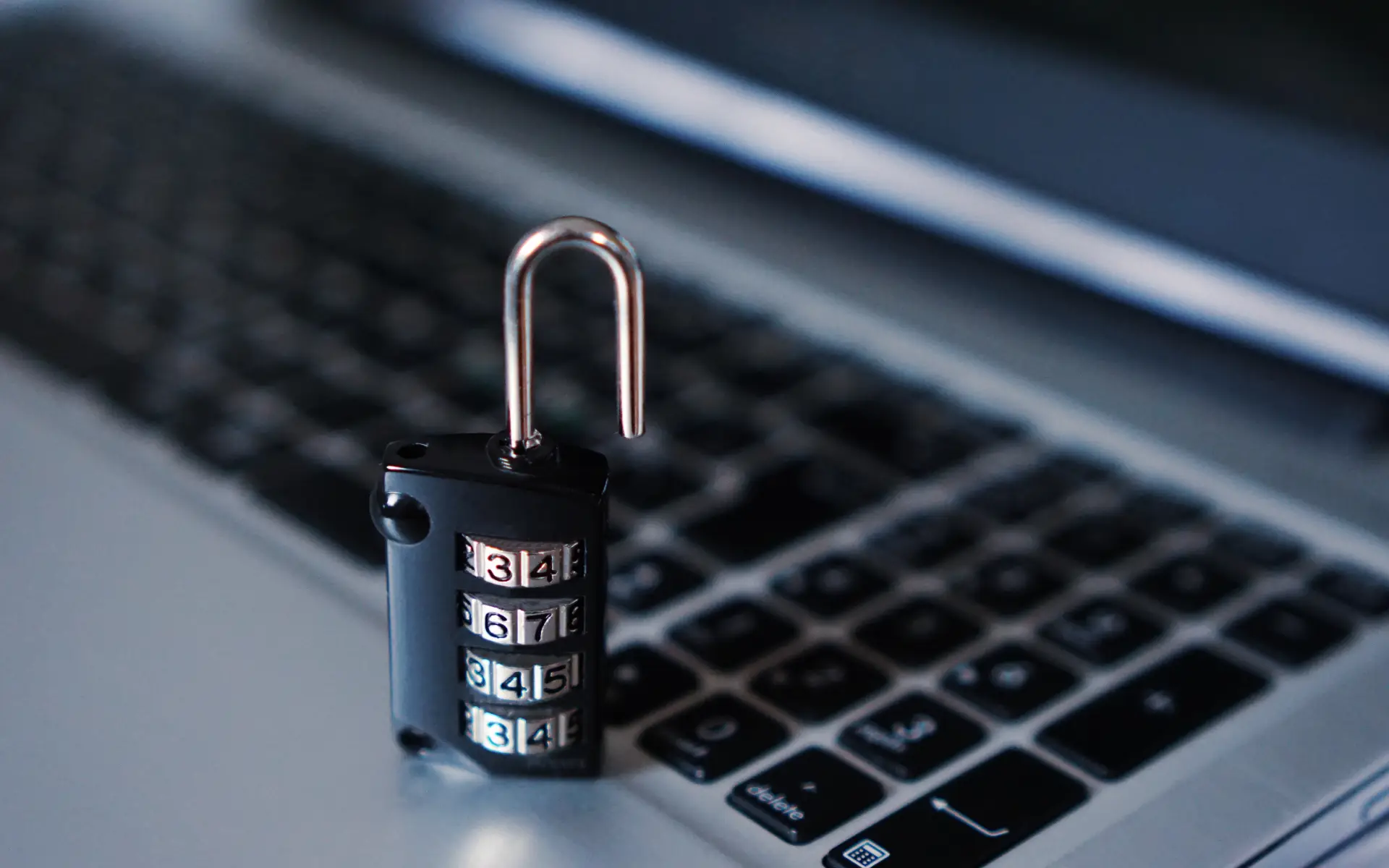
In today’s digital world, cyber security is no longer just a concern for businesses—it’s equally important for every household. From smartphones and laptops to smart TVs and home Wi-Fi, almost every device we use is connected to the internet. This means your personal data, photos, passwords, banking information, and even your privacy can be at risk if proper precautions are not taken. The good news is that basic cyber security does not require technical expertise. With a few simple habits, you can protect your devices and stay safe online.
The first step is to use strong and unique passwords for all your accounts and devices. Weak passwords like “123456” or “password” are extremely easy for hackers to break. Instead, create longer passwords with a mix of letters, numbers, and symbols. Never reuse the same password across multiple accounts. To make this easy, use a password manager—it automatically saves and generates strong passwords for you.
Next, always enable two-factor authentication (2FA) wherever possible. This adds an extra layer of security by sending a verification code to your phone or email whenever you log in. Even if someone steals your password, they won’t be able to access your account without that secondary code.
Another important step is to keep all your devices updated. Software updates are not just for new features—they fix security vulnerabilities. Hackers often target outdated devices because they lack the latest protections. Make sure to update your mobile apps, operating systems, antivirus software, and even your Wi-Fi router firmware regularly.
Speaking of routers, your home Wi-Fi network needs strong protection. Change the default Wi-Fi name and password, use WPA3 or WPA2 encryption, and avoid sharing your Wi-Fi with unknown people. You can also create a guest network for visitors so your main network stays secure.
Be cautious about z. Fake emails, suspicious attachments, and unknown links are common ways hackers spread malware. Only download apps from official app stores and verify websites before entering any personal details.
Finally, use a reliable antivirus or security suite. It helps detect threats, block unsafe websites, and protect your data from viruses, ransomware, and spyware.
Cyber security doesn’t have to be complicated. By following these simple steps—strong passwords, updates, safe browsing, protected Wi-Fi, and antivirus tools—you can significantly reduce your risk and keep your digital life safe. Staying secure starts with smart habits at home.
0 Comments